Release 1.19.0
Key Highlights
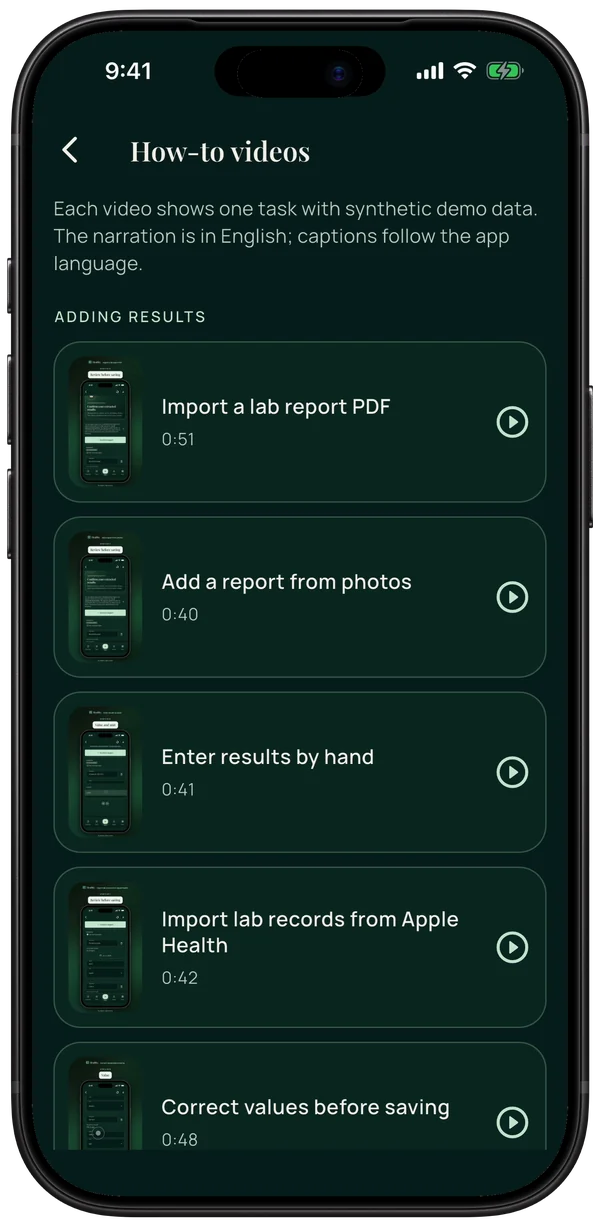
- Short how-to videos for each part of the app, with captions in the app language. When a lab report cannot be read, the app now explains why.
New
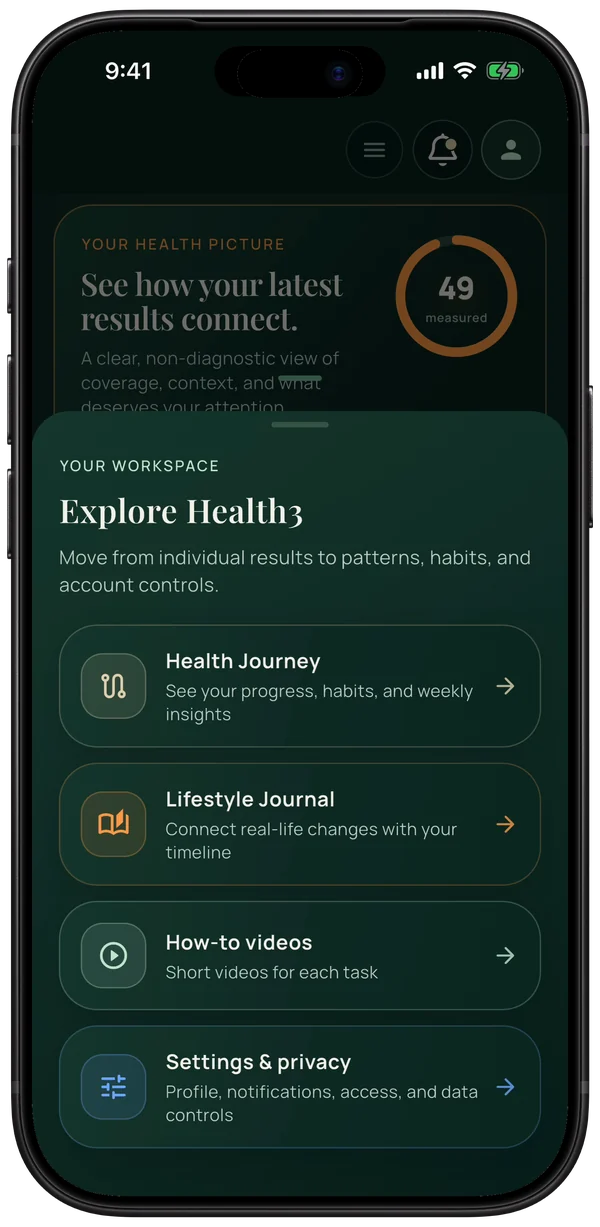
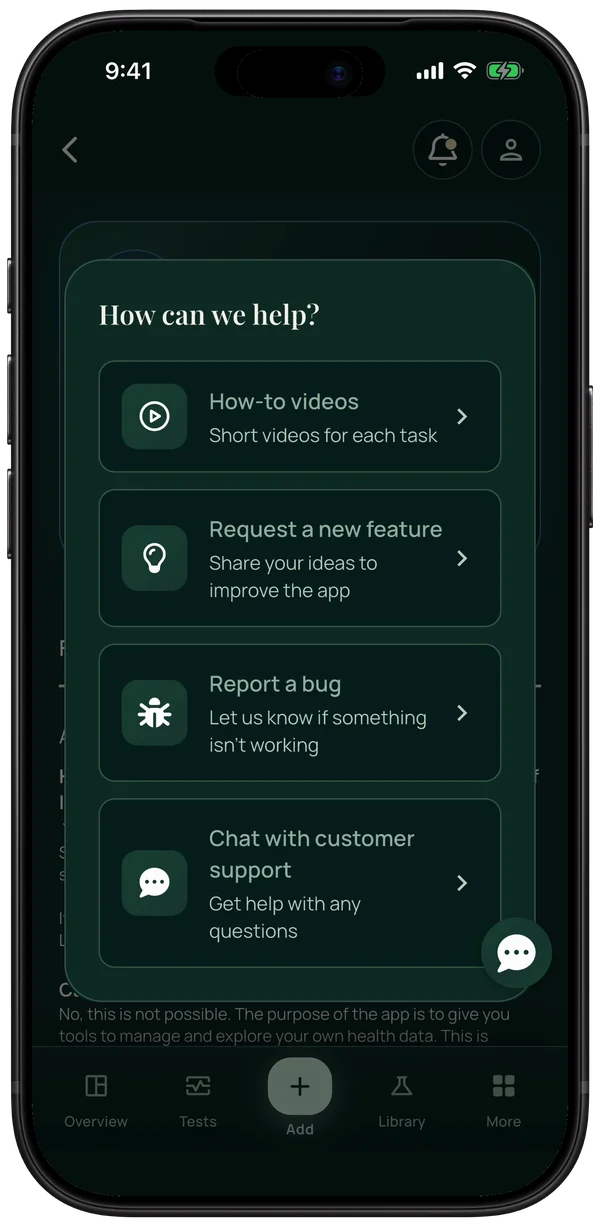
- How-to videos: short videos for each part of the app, with captions in the app language. Find them in Settings, the More menu and the support chat. Also on the website: all how-to videos.
- When a lab report cannot be read, the app now explains why, for example a password-protected PDF or tests that are not supported yet.
- Apple Health import, where Apple Health offers lab results (United States, United Kingdom, Canada), now also reads results recorded in mmol/L, including earlier ones that were skipped.
- Optional cards on Overview can be closed with the × button.
Fixes
- Typing a value in manual entry or import review no longer stops after the first digit.
- The test date picker opens on the test date, and Cancel leaves the date unchanged.
- Biomarker pages show the most recent result on the range cards.
- Chart labels no longer overlap.
- Edit Profile has a back button again.
- The date picker is easier to read.
In the app
Screens from the app with synthetic demo data, recorded on .
Select an image to open it in full size.